
Business IT Services
Choose the service that most closely matches what your organization needs. If you are not sure where to start, Computer Ties can help determine the appropriate service path.
Device Setup & Deployment
Prepare new computers, workstations, and other technology for use with consistent setup, configuration, installation, and deployment assistance.
Computer Ties can help organizations replace aging devices, prepare equipment for new employees, deploy multiple systems, and reduce the configuration problems that can occur when devices are set up inconsistently.
Email Migration Services
Move business email between platforms or into Microsoft 365 with planning and technical assistance designed to reduce disruption during the transition.
Computer Ties can help review the existing environment, prepare accounts, coordinate migration work, and address the technical details involved in moving business email.
IT Consulting & Technology Planning
Get help evaluating technology decisions before purchasing equipment, changing systems, expanding an office, or beginning a larger IT project.
Computer Ties can help organizations understand available options, identify practical requirements, and develop a clearer path before technology decisions are made.
On-Site IT Support
Some technology work needs someone physically present.
Computer Ties provides on-site assistance for hardware, networks, installations, troubleshooting, equipment changes, office technology projects, and other situations where remote support is not enough.
Website Design & Development
Computer Ties helps businesses and organizations create, rebuild, improve, and maintain websites designed around clear information, usability, search visibility, and long-term maintainability.
When Project-Based IT Services Are the Right Fit
Not every technology need requires an ongoing Managed IT agreement.
Project-based IT services are a good fit when your organization has a specific task, change, installation, migration, upgrade, or technology decision that needs professional assistance.
Common Examples Include
Setting up computers for new employees
Replacing aging workstations
Deploying multiple new devices
Preparing technology for an office move or expansion
Migrating email to Microsoft 365
Reviewing aging hardware or infrastructure
Scheduling an on-site technician
Planning a hardware refresh
Improving or rebuilding a business website
Coordinating a technology project
Reviewing a future IT investment
If the need is clearly defined, we can help determine the appropriate scope and next step.
How Service Work Usually Starts
Step 1 — Define the Need
We start by understanding what your organization is trying to accomplish, what systems are involved, the expected timeline, and whether the request is a single service need or part of a larger technology issue.
Step 2 — Review the Best Service Path
Depending on the request, the next step may be an on-site visit, project estimate, migration plan, consulting discussion, remote assistance, or another Computer Ties service.
If the need is better suited to ongoing Managed IT rather than project work, we will identify that before moving forward.
Step 3 — Complete the Work With Clear Follow-Up
Once the work is defined and scheduled, Computer Ties focuses on completing the project cleanly, documenting relevant information, and identifying any follow-up items that should be addressed.
Business IT Services vs. Managed IT Services
Project-based Business IT Services and Managed IT Services solve different problems.
Business IT Services
Business IT Services are designed around defined projects, installations, migrations, consulting, scheduled visits, and other individual technology needs.
Managed IT Services
Managed IT Services are designed for organizations that want an ongoing structure around responsibilities such as user support, device management, maintenance, patching, backup oversight, documentation, security services, and technology planning.
You do not need a Managed IT agreement to work with Computer Ties on a business technology project.
If your organization needs recurring support and technology management, Managed IT may provide a better long-term fit.
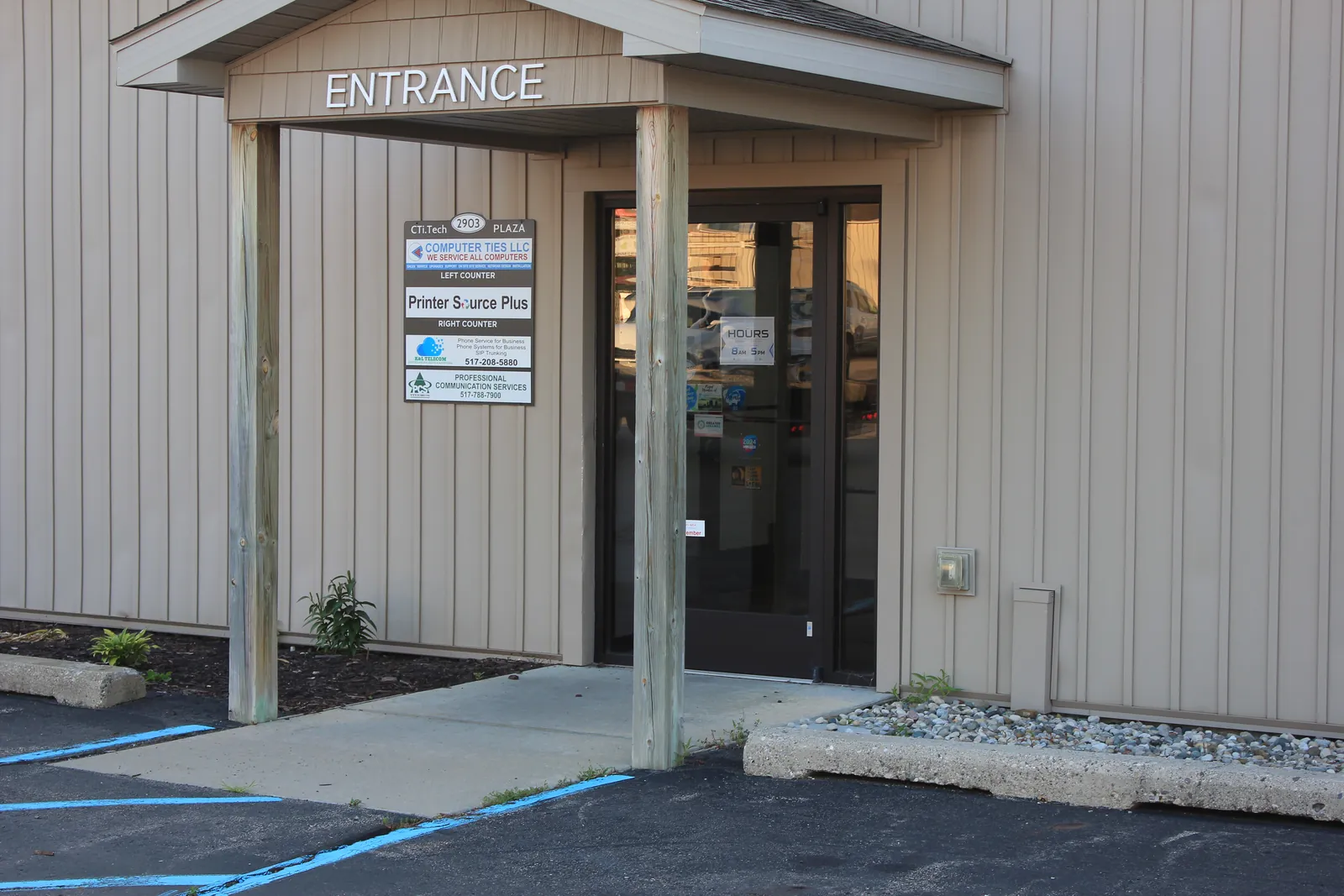
Local Business IT Support in Jackson, Michigan
Computer Ties has served Jackson since 1990 and works with businesses and organizations that need practical technology assistance from a local IT provider.
Many small and midsize organizations know technology work needs to be completed but do not always have the internal time or technical resources to properly research, plan, coordinate, and implement it.
Computer Ties helps turn those technology needs into defined next steps.
Because we are based in Jackson, we can combine remote assistance with on-site service when the work requires someone physically present.
Frequently Asked Questions
Business IT Services include device setup and deployment, email migration, IT consulting and technology planning, on-site IT support, website design and development, and other defined technology projects.
For ongoing technology management and recurring support, Computer Ties also provides Managed IT Services
No.
Business IT Services are primarily designed for defined projects, individual technology needs, consulting, migrations, installations, and scheduled support work.
Managed IT Services provide an ongoing structure around recurring technology responsibilities.
Yes.
A business does not need a Managed IT agreement to contact Computer Ties about a defined technology project or one-time service need.
The appropriate service path depends on the work involved.
Yes.
Computer Ties provides on-site support when a technology need requires hands-on assistance, including hardware work, installations, network issues, equipment changes, office projects, and other physical technology needs.
Yes.
Computer Ties can help evaluate requirements, review available options, identify potential issues, and establish a practical technology plan before implementation begins.
That is common.
Start by explaining what your organization is trying to accomplish or what technology problem needs to be addressed.
Computer Ties can help determine whether the request fits device deployment, email migration, consulting, on-site support, website services, Managed IT, or another service path.

Need Help With a Business Technology Project?
Whether your organization needs new devices deployed, email migrated, technology reviewed, an on-site visit, website assistance, or help planning a larger project, Computer Ties can help identify the appropriate next step.