
Serving Jackson since 1990
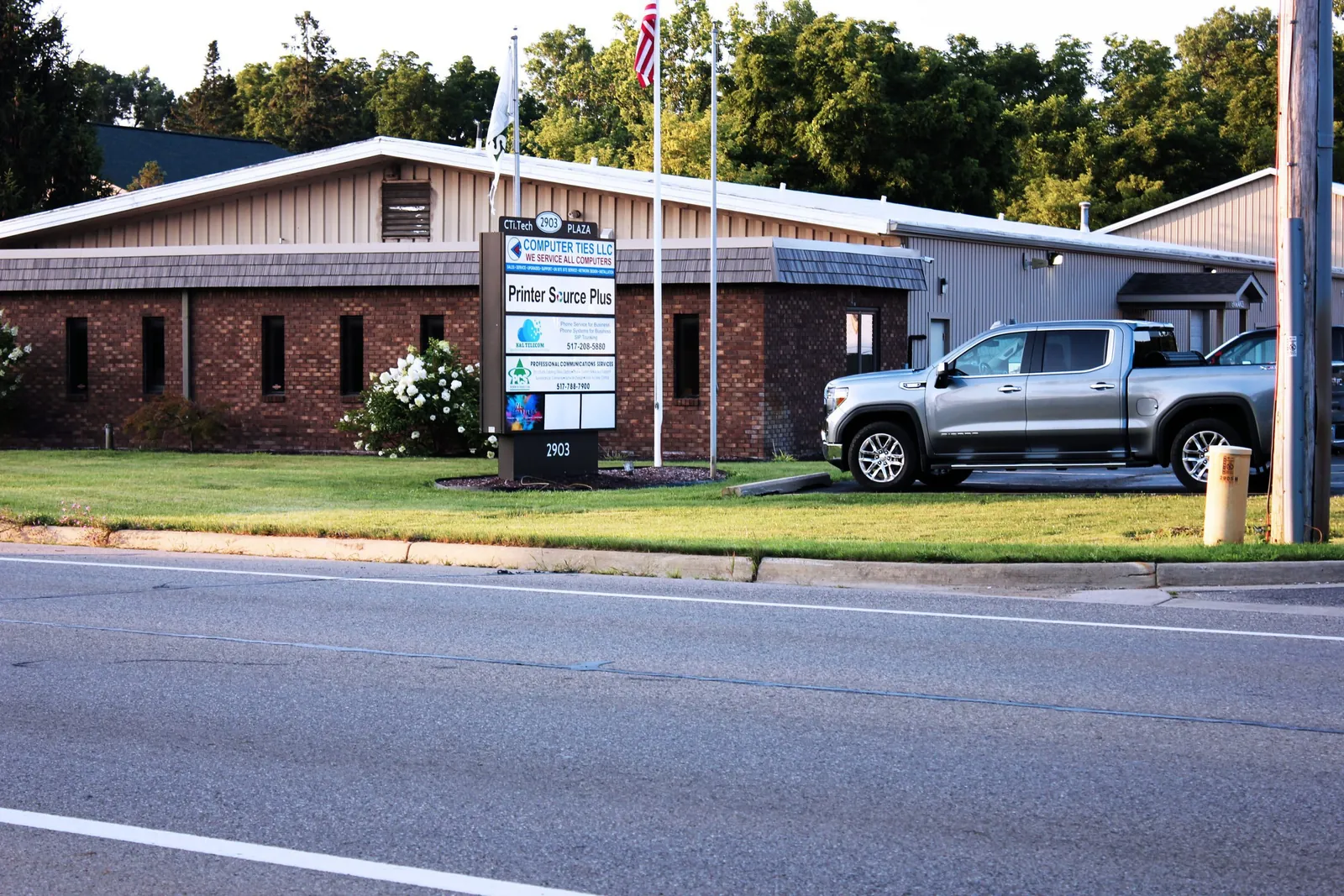
Founded in Jackson on November 5, 1990, and still local today at CTi Tech Plaza on W Michigan Ave.
Businesses and public agencies
Businesses, municipalities, schools, healthcare offices, and public-safety agencies across Michigan.
Actively managed devices
Workstations, laptops, and servers kept updated and supported through our Managed IT services.
Local websites launched
Websites designed and built for Jackson-area businesses, townships, and partners.
Technology Support Built Around Daily Operations
Technology support should make an organization easier to operate, not harder to manage.
Computer Ties works beyond isolated technical problems to understand how users, devices, networks, cloud services, security, backups, documentation, and business systems fit together.
For some customers, that means assistance with a specific technology project or support issue. For others, it means an ongoing Managed IT relationship that provides a more structured approach to support, maintenance, security, documentation, and planning.
Our focus is practical: understand the environment, address the immediate need, document what matters, and recommend technology that can be supported over time.
Core IT Services
Computer Ties supports organizations that need ongoing technology management, stronger security, project assistance, cloud services, and specialized IT support.
Managed IT Services
Ongoing IT support for organizations that need a consistent structure around users, devices, maintenance, patching, backups, documentation, and long-term technology planning.
Cybersecurity
Cybersecurity services designed to help reduce technology risk through appropriate protection, monitoring, account security, user awareness, system hardening, and other safeguards.
Government and Public Safety IT
Technology support for municipalities, townships, police departments, fire departments, and other public-sector organizations where security, documentation, controlled access, and operational reliability matter.
Business IT Services
Project-based and professional IT services for organizations that need technology planning, deployments, migrations, on-site assistance, network improvements, or other defined technical work.
Microsoft 365 Services
Microsoft 365 licensing, administration, account support, migrations, security configuration, and ongoing assistance for organizations using Microsoft cloud services.
Security Cameras and Access Control
Commercial security camera and access-control planning, installation, upgrades, and support for offices, facilities, government environments, and other organizations.
Managed IT for Organizations That Need Consistency
When technology becomes important enough that waiting for something to break is no longer an effective support strategy, Managed IT provides a more structured approach.
Computer Ties can help bring recurring responsibilities such as user support, device management, maintenance, patching, backup oversight, documentation, and technology planning into an ongoing support relationship.
The goal is not simply to respond to more tickets. It is to make the overall technology environment easier to understand, support, maintain, and plan around. Computer Ties manages more than 2,500 endpoints for organizations across Michigan.
Government & Public Safety IT Support
Government and public-safety environments can require a different approach to technology support.
Computer Ties has experience supporting Michigan government and public-safety technology environments where CJIS and LEIN requirements can affect system access, documentation, security practices, account management, and technical support.
All Computer Ties staff are fingerprinted, registered in CJIS Online, trained in security awareness, and have signed the CJIS Security Addendum. We use CJIS-aware practices where applicable and focus on secure, documented, operationally reliable systems.
Why Organizations Choose Computer Ties
Serving Jackson Since 1990
Computer Ties has served Jackson, Michigan since 1990 and provides customers with a local team that can support both remote and hands-on technology needs.
Practical Recommendations
Technology recommendations are based on the customer’s environment, operational needs, supportability, and long-term value rather than adding unnecessary complexity.
Documentation and Consistency
Clear documentation and consistent support practices make technology environments easier to troubleshoot, maintain, plan, and transition over time.
Long-Term Supportability
Computer Ties favors technology decisions that can be maintained and supported after the initial installation or project is complete.
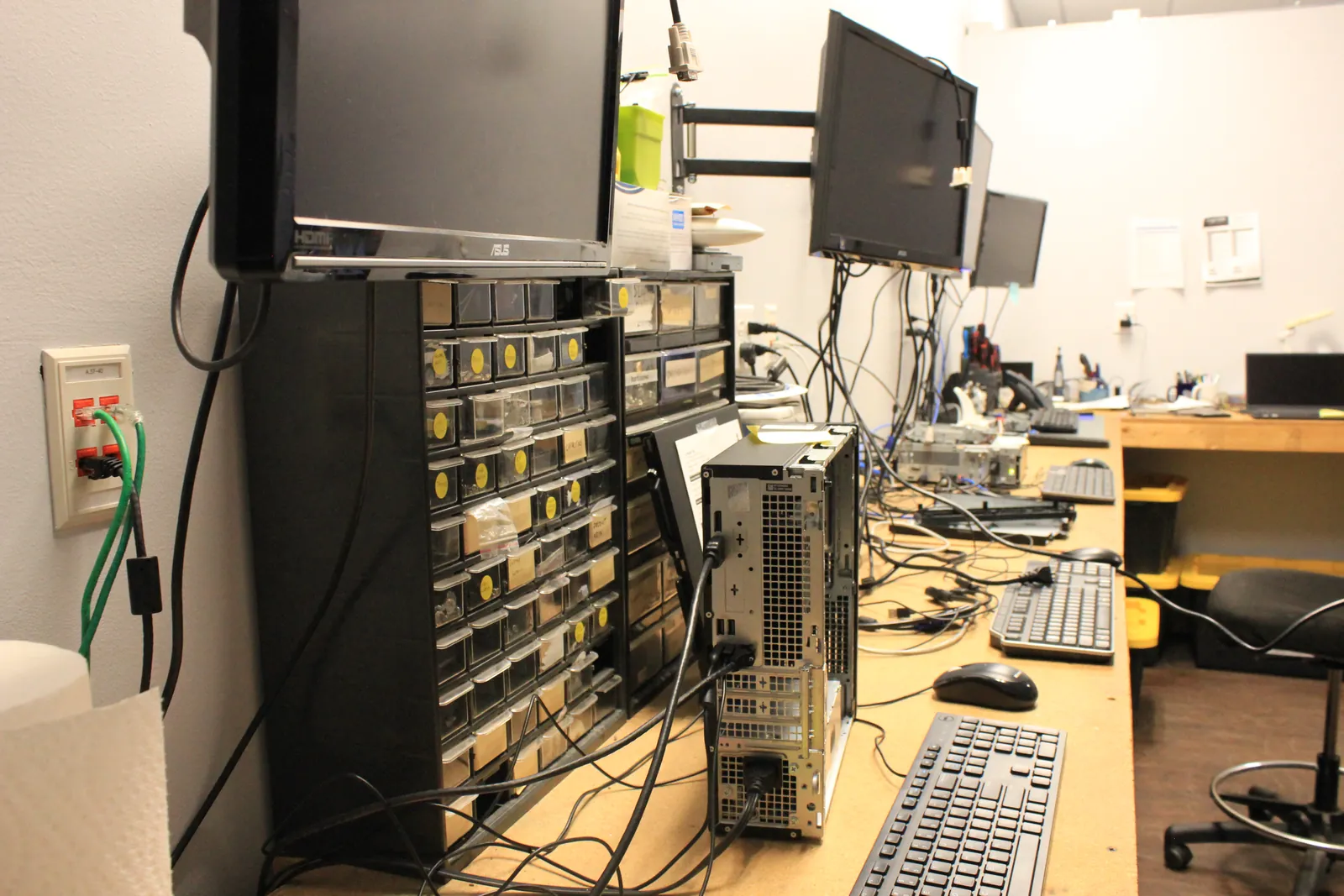
Computer Repair and Custom Systems
Computer Ties also provides computer repair, hardware diagnostics, upgrades, component replacement, and custom-built computers from our Jackson location at 2903 W Michigan Ave.
Repairs are handled at our Jackson service bench, including data transfer from failing computers, and a one-time repair does not require a Managed IT agreement.
CTi Tech Plaza
Computer Ties is part of the CTi Tech Plaza, a Jackson-based group of independent local businesses that can help customers with needs extending beyond traditional IT support.
The partner network includes expertise in telecommunications, electrical work, structured cabling, printing, property restoration, coatings, and related facility services.
Frequently Asked Questions
Computer Ties provides Managed IT Services, Help Desk Support, cybersecurity, Microsoft 365 services, business IT projects, technology planning, security cameras and access control, computer repair, custom systems, and technology support for government and public-safety organizations.
Yes. Computer Ties provides ongoing Managed IT Services for organizations that need a more consistent approach to user support, device management, maintenance, patching, backups, documentation, security services, and technology planning.
Yes. Computer Ties has experience supporting Michigan government and public-safety technology environments, including environments where CJIS and LEIN requirements influence how technology is accessed, managed, documented, and supported.
Yes. Many technology issues can be handled remotely, while hardware, network, installation, infrastructure, and other physical needs may require on-site assistance.
The appropriate support method depends on the customer, issue, service agreement, and location.
Yes. Not every technology need requires a Managed IT agreement.
Computer Ties provides project-based Business IT Services for deployments, migrations, planning, on-site work, and other defined technology needs.
Existing Computer Ties customers should use the Help Desk for technical-support requests.
Customers can submit a support request, call the Help Desk, or email technical support.
Need Help With Your Technology?
Whether your organization needs ongoing Managed IT, cybersecurity improvements, Microsoft 365 assistance, a technology project, or help deciding what should happen next, start with a conversation.
Computer Ties has served Jackson, Michigan since 1990 and works with businesses, municipalities, schools, and healthcare offices across Michigan that need practical, supportable technology solutions.