
Get Support Now
Choose the support method that best fits the issue.
For detailed or non-urgent requests, submitting a written support request is usually the best starting point. For active or time-sensitive problems during normal Help Desk hours, calling may be more appropriate.
Submit a Support Request
Use the support-request system for detailed issues, screenshots, device information, error messages, or follow-up on an existing problem.
A written request gives the Help Desk a clear record of the issue and helps with assignment, documentation, follow-up, and escalation when necessary.
Call the Help Desk
Call when an issue is active or time-sensitive and speaking with a technician will help explain the problem more efficiently.
Direct Support Line:
517-905-3168
Support Hours:
Monday–Friday
8:00 AM–5:00 PM
Email the Help Desk
Email is appropriate for written issue details, screenshots, follow-up information, and requests that do not require an immediate phone conversation.
Email:
helpdesk@computer-ties.com
After-Hours Emergency Support
After-hours emergency support is available by calling (517) 788-6393 and selecting Option 9.
Emergency support is billed separately. Service-agreement customers receive emergency support at a reduced emergency-service rate compared with non-contract customers.
Routine and non-urgent requests should use normal Help Desk channels during regular support hours.
Remote Support and Software Installation
You normally do not need to install remote-support software on your own.
Contact the Computer Ties Help Desk first. A technician will determine the appropriate connection method and guide you through the process.
If the device requires ongoing managed support, Computer Ties can install and configure the appropriate managed support software during the support session.
Contact the Help Desk First
Call Computer Ties or submit a support request and explain the issue you are experiencing.
A technician will review the situation and determine whether the problem can be handled remotely or whether another support method is more appropriate.
Temporary Remote Support
If the computer does not already have an approved Computer Ties support connection available, a technician may ask you to use ShowMyPC for an initial temporary remote session.
Only download and run ShowMyPC when instructed by a Computer Ties technician.
When instructed, choose:
Help Desk Support → Download ShowMyPC
from the website menu.
Managed Support Software
Once connected, the technician can troubleshoot the issue and, when appropriate, install the Computer Ties managed support software used for ongoing support.
The specific support configuration depends on the customer’s agreement, device, environment, and support requirements.
Remote-Support Safety
Only provide remote access when you are actively working with Computer Ties.
If someone contacts you unexpectedly and requests remote access, verify the request by calling 517-905-3168 before continuing.
Never provide passwords, MFA codes, recovery codes, banking credentials, or other sensitive information simply because someone claims to be technical support.
What We Can Help With Remotely
Many technology issues can be handled remotely, helping reduce delays and unnecessary on-site visits.
Common Remote Support Needs
Microsoft 365, Outlook, and email issues
Password, sign-in, and user-account problems
Software errors and application troubleshooting
Workstation performance concerns
Shared-file and folder access
Basic connectivity troubleshooting
Security alerts and general technical questions
What to Include in a Support Request
A clear support request helps the help desk respond more efficiently.
You do not need to diagnose the technical cause before contacting support. A short and accurate description is enough to begin reviewing the issue.
Information That Helps
Your name and organization
Best callback number
Affected user and device
Short description of the problem
When the problem started
Whether one or multiple users are affected
Exact error message or screenshot when available
How urgently the issue is affecting operations
Security Reminder
Do not include passwords, MFA codes, recovery codes, private keys, or other credentials in a support request or ordinary email.
If sensitive information is required, a Computer Ties technician will provide an appropriate method for sharing it.
Example Support Request
Subject: Outlook Not Opening on One Workstation
One user cannot open Outlook on their work computer. The issue started around 8:15 AM. Other users appear to be working normally. Restarting the computer did not resolve the issue. A screenshot of the error is attached.
How Help Desk Requests Are Handled
Help desk requests are reviewed based on the information provided, the customer’s support arrangement, business impact, and urgency.
Request Received
The request is received through the customer portal, phone, or email and reviewed with the available information.
Troubleshooting Begins
A technician follows up and begins troubleshooting based on the issue, business impact, urgency, and applicable support arrangement.
Resolution or Escalation
The issue is resolved remotely when appropriate.
If hands-on work, additional discovery, equipment replacement, vendor coordination, or a larger project is required, the request is moved to the appropriate next step.
Documentation and Follow-Up
Support activity and relevant follow-up items are documented to make future support and recurring-problem identification easier.
If a support request identifies a larger technology need, Computer Ties may recommend on-site support, additional discovery, equipment replacement, remediation, technology planning, or another appropriate service path.
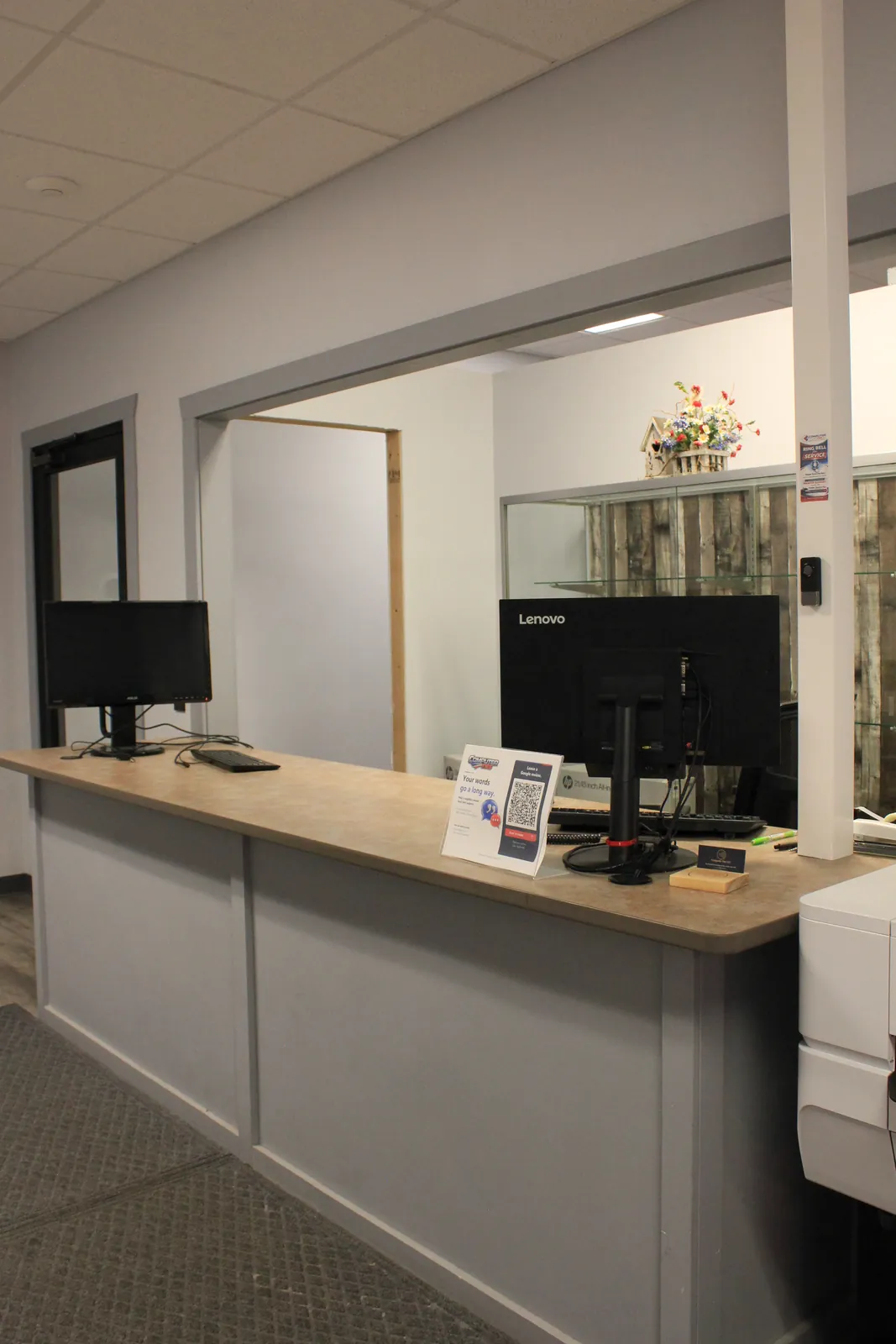
Help Desk Support and Managed IT Services
Help desk support focuses on day-to-day user issues and technical assistance.
For managed-service customers, help desk support works alongside broader responsibilities such as device management, patching, documentation, backup oversight, security services, and ongoing maintenance.
That broader visibility can help Computer Ties recognize when recurring support requests point to an underlying technology problem rather than an isolated user issue.
Frequently Asked Questions
The Computer Ties help desk is the primary technical-support resource for existing customers.
It provides a structured way to report issues, receive troubleshooting assistance, follow up on support requests, and determine whether an issue should be handled remotely, on-site, through repair, or as part of a larger IT need.
For detailed or non-urgent requests, submit a support request through the customer portal.
For urgent or time-sensitive issues during normal help desk hours, call 517-905-3168.
Technical-support details and follow-up information can also be emailed to helpdesk@computer-ties.com.
If your device already has an approved Computer Ties managed support connection, a technician may be able to use that connection when authorized and appropriate.
If an initial temporary connection is required, the technician may direct you to use ShowMyPC.
Once connected, Computer Ties can troubleshoot the issue and install the appropriate managed support software when needed.
On-site support may be appropriate when an issue involves physical equipment, cabling, network hardware, equipment installation or replacement, office changes, hardware failure, or another problem requiring hands-on testing or work at the customer location.
Help desk support focuses primarily on day-to-day user issues and technical assistance.
Managed IT Services provide a broader ongoing support structure that can include device management, maintenance, monitoring, patch management, documentation, backup oversight, cybersecurity services, technology planning, and other recurring responsibilities.
Yes.
After-hours emergency support is available by calling (517) 788-6393 and selecting Option 9.
Emergency support is billed separately. Service-agreement customers receive emergency support at a reduced emergency-service rate compared with non-contract customers.
Routine and non-urgent requests should use normal help desk channels during regular support hours.

Need Help From the Computer Ties Help Desk?
Existing Computer Ties customers can submit a support request through the customer portal, call the help desk during normal support hours, or email technical support.
If remote assistance is needed, a Computer Ties technician will guide you through the appropriate connection process.