
Managed IT Service Areas
Managed IT brings several recurring technology responsibilities together under a more consistent support structure.
Service Agreements
Establish the scope of ongoing support, responsibilities, service expectations, and recurring technology services for your organization.
Endpoint Management
Support and manage workstations, servers, and other covered devices through consistent maintenance, oversight, documentation, and technical support.
Patch Management & Updates
Help keep supported systems current through organized operating-system and software update management.
Backup & Disaster Recovery
Maintain visibility into covered backup systems and support recovery planning so important technology and data have an appropriate recovery path.
Asset & Inventory Management
Maintain clearer records of supported devices and technology assets to improve support, lifecycle planning, replacement decisions, and documentation.
Cloud & Remote Access Solutions
Support cloud services and secure remote-access needs that allow authorized users to work with business systems from appropriate locations.
What Managed IT Can Support
The exact scope of Managed IT depends on the customer’s agreement, environment, and selected services.
Managed IT May Include Support For
Help Desk requests and user issues
Workstations and servers
Device management and documentation
Patch and update oversight
Backup monitoring and recovery planning
Printer and peripheral connectivity
Network and firewall support coordination
Security-service oversight
Technology planning and lifecycle recommendations
Vendor coordination where appropriate
Managed IT is not one identical package applied to every organization. The support structure should reflect the customer’s actual environment and operational needs.
When Managed IT Is the Right Fit
Managed IT is usually a good fit when technology has become too important to manage through occasional one-time support calls.
Common Signs Include
Staff are unsure who to contact for IT problems
The same technology issues keep returning
Devices are aging without a replacement plan
Updates and maintenance are inconsistent
Backup systems exist but are not regularly reviewed
Microsoft 365 administration has become difficult to manage
Technology support depends too heavily on one internal person
Documentation is incomplete or outdated
Security responsibilities are fragmented
Technology decisions are made only after something fails
An ongoing relationship also allows Computer Ties to become more familiar with the organization’s users, systems, history, and priorities over time.
That familiarity can make support more efficient and technology recommendations more practical.
Managed IT vs. Other Support Options
Different support models solve different problems.
Managed IT Services
Managed IT is designed for organizations that want an ongoing structure around recurring support, maintenance, documentation, security services, backups, patching, and technology planning.
Help Desk Support
Help Desk Support focuses primarily on day-to-day technical issues and support requests from existing Computer Ties customers.
Business IT Services
Business IT Services are better suited to defined projects, deployments, migrations, consulting, installations, and other one-time technology needs.
Cybersecurity
Cybersecurity focuses more specifically on reducing technology risk through security controls, monitoring, account protection, user awareness, and related safeguards.
These service areas can work together, but they should not be treated as interchangeable.
How a Managed IT Relationship Starts
Step 1: Understand the Environment
We begin with a conversation about the organization, current technology concerns, users, devices, systems, recurring problems, and the level of support being considered.
Step 2: Review Support Needs
Computer Ties reviews the environment at a practical level to identify recurring responsibilities and areas that may need better support, documentation, maintenance, or oversight.
This may include workstations, servers, Microsoft 365, backups, networks, security services, remote access, printers, and other business systems.
Step 3: Define the Support Structure
We then determine which services and responsibilities should be included in the ongoing relationship.
The goal is to build a support structure that fits the organization rather than forcing every customer into an identical package.
Managed IT for Jackson Businesses and Organizations
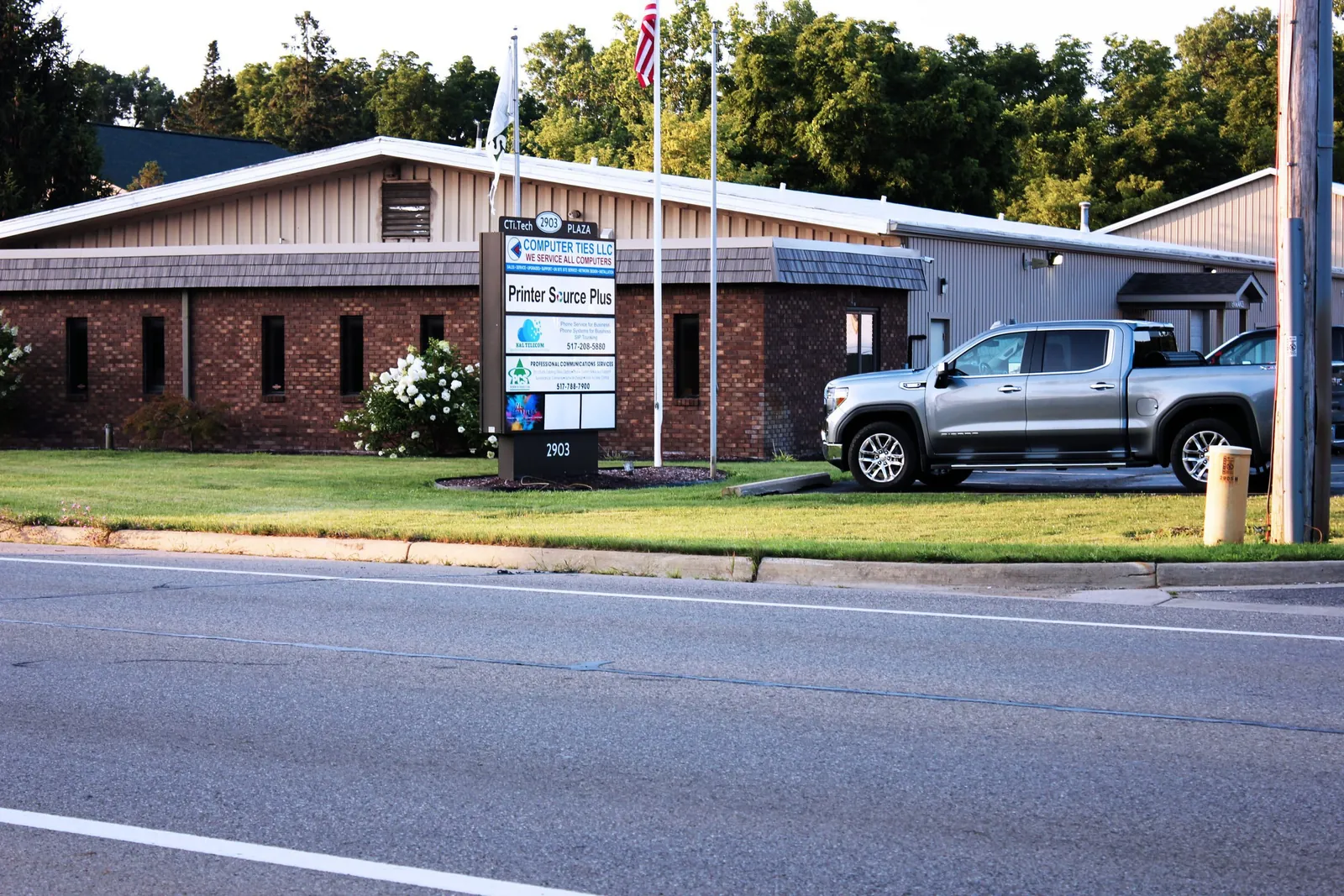
Computer Ties has served Jackson since 1990 and provides Managed IT Services for organizations that need a local technology partner capable of supporting both remote and on-site needs.
For many small and midsize organizations, maintaining a full internal IT department is not practical, but technology still requires ongoing attention.
Managed IT provides a way to establish clearer responsibility for recurring support, maintenance, documentation, and technology planning without relying entirely on internal staff to manage those responsibilities alone.
Managed IT and Cybersecurity
Security is part of modern IT operations, but Managed IT and cybersecurity are not exactly the same thing.
Managed IT provides the broader operational support structure around users, devices, maintenance, documentation, backups, support, and planning.
Cybersecurity focuses more specifically on measures designed to help reduce risk, including account security, endpoint protection, monitoring, email security, user awareness, system hardening, and related safeguards.
The appropriate security services depend on the organization, technology environment, and applicable requirements. Defense suppliers can see our CMMC compliance support for defense contractors.
Frequently Asked Questions
Managed IT Services provide ongoing technology support and oversight rather than addressing every issue as an unrelated one-time service call.
Depending on the agreement, Managed IT may include user support, device management, maintenance, patching, backup oversight, documentation, Microsoft 365 support, technology planning, and related services.
Help Desk Support primarily handles day-to-day user issues and technical requests.
Managed IT is broader and can include Help Desk Support along with recurring maintenance, device management, documentation, backups, patching, planning, and other ongoing responsibilities.
No.
Managed IT can be useful for small and midsize organizations that depend on technology but do not have the internal staff or resources to manage every recurring IT responsibility themselves.
The appropriate level of service depends on the organization’s size, environment, and needs.
On-site support can be part of a Managed IT relationship depending on the service agreement and the work required.
Some issues can be resolved remotely, while installations, hardware failures, network changes, and other physical technology needs may require an on-site visit.
Yes.
Managed IT customers may receive assistance with Microsoft 365 administration, accounts, licensing, configuration, user support, and related cloud-service needs depending on the services included in their agreement.
No.
Managed IT and cybersecurity overlap, but they serve different purposes.
Managed IT focuses on ongoing technology operations and support, while cybersecurity focuses more specifically on reducing risk and strengthening protections around users, systems, accounts, and data.
Yes.
Start by discussing your current environment, recurring technology problems, number of users and devices, internal resources, and what responsibilities you want an IT provider to handle.
Computer Ties can help determine whether a Managed IT relationship, project-based service, or another support model is the better fit.

Need a More Consistent IT Support Model?
If your organization is tired of handling technology issues one at a time, Computer Ties can help evaluate a Managed IT model built around recurring support, maintenance, documentation, patching, backup oversight, security services, and long-term planning.