
Updates Should Be Managed, Not Ignored
Operating systems and applications require updates throughout their useful life.
When systems remain behind for extended periods, they can become harder to support and may remain exposed to issues that vendors have already addressed.
At the same time, installing updates without considering business impact can create unnecessary disruption.
A managed patching process helps balance the need to keep systems current with the need to maintain operational stability.
What Patch Management Can Include
Patch management involves more than simply turning on automatic updates.
Operating-System Updates
Supported Windows systems require recurring security, quality, and reliability updates.
Computer Ties can help review update status and identify systems that are falling behind or failing to update properly.
Patch Status Review
Visibility into update status helps identify devices that need additional attention.
Systems that repeatedly fail updates may require troubleshooting before they can return to a normal maintenance cycle.
Restart Coordination
Many updates require a restart before installation is complete.
Restart planning helps reduce unnecessary interruption while preventing devices from remaining indefinitely in an incomplete update state.
Server Update Planning
Servers may support shared files, applications, authentication, remote access, and other services used by multiple employees.
Updates to those systems should be approached more carefully than updates to an ordinary workstation.
Supported Application Updates
Some supported applications may also require recurring updates.
The appropriate process depends on the software because certain business applications have vendor requirements or compatibility considerations that need separate review.
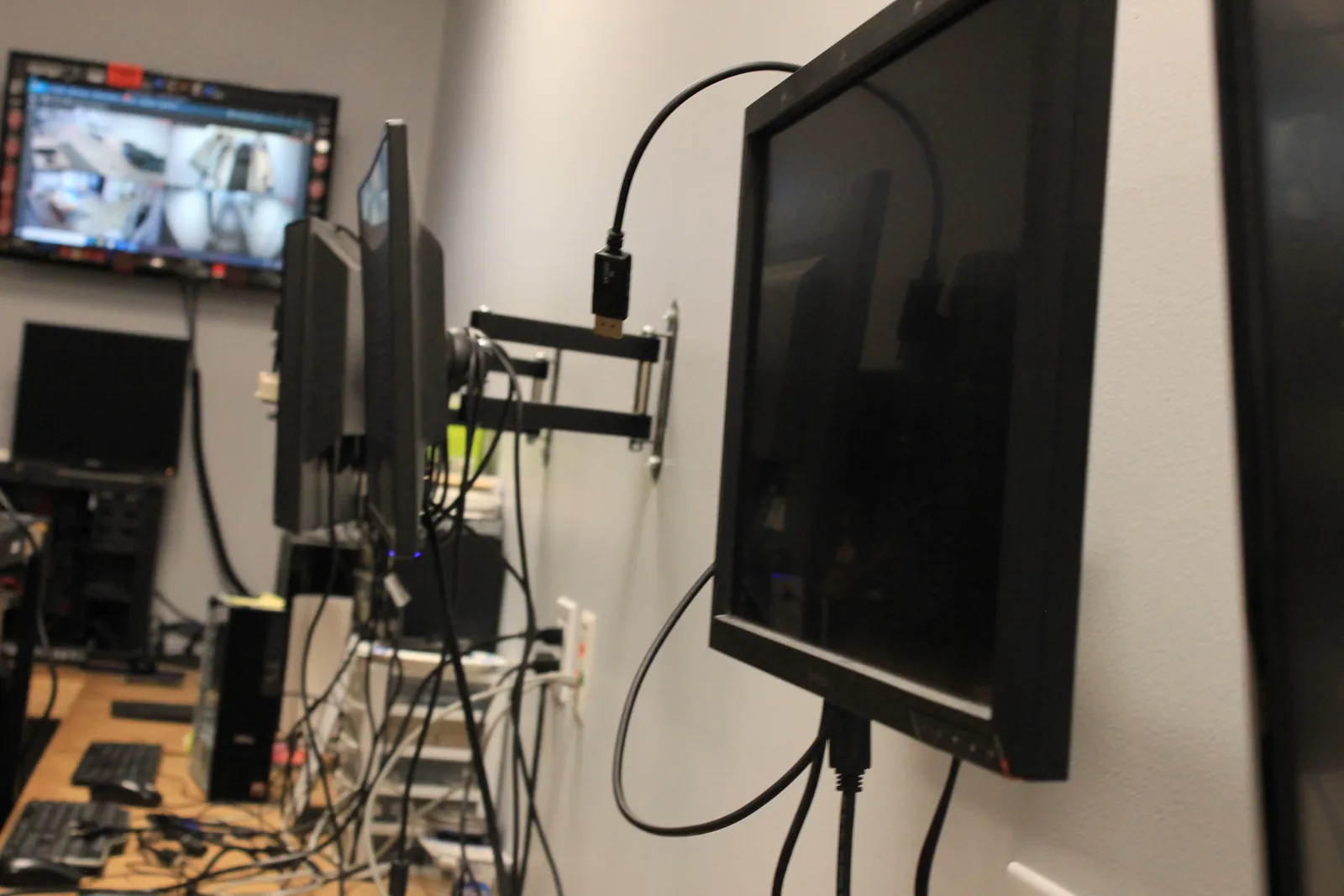
Stability Matters During Patching
The goal of patch management is not to install every available update immediately without regard for the environment.
Business impact, device purpose, restart requirements, server roles, and application compatibility may all affect how an update should be handled.
A consistent process helps reduce both prolonged update delays and unnecessary maintenance surprises.
Patch Management and Cybersecurity
Keeping supported systems current is an important part of basic security hygiene.
Updates can address known vulnerabilities and software issues, but patching is only one part of cybersecurity.
Account security, email protection, MFA, monitoring, user awareness, system hardening, backups, and other controls may also be required.
Patching Government & Public-Safety Systems
Government and public-safety environments can require additional care because maintenance may affect shared systems, secure access, administrative functions, and operational workflows.
Computer Ties uses a documented and CJIS-aware approach where applicable when supporting these environments.
Patch management can help support a more controlled technology environment, but it does not independently establish regulatory compliance.
How Patching Fits Into Managed IT
Patch management works best when Computer Ties also has visibility into the devices, users, applications, and systems being supported.
Within a Managed IT relationship, patching can work alongside endpoint management, documentation, backup awareness, Help Desk Support, and technology planning.
Frequently Asked Questions
Patch management is the organized process of reviewing, applying, tracking, and troubleshooting updates for supported systems.
Its purpose is to help keep technology current without treating maintenance as an afterthought.
Not necessarily.
Some applications can be updated through standard management processes, while others require separate vendor tools, licensing, testing, or manual procedures.
Some operating-system and application files cannot be fully replaced while they are actively being used.
A restart allows the system to complete those changes.
Yes.
Updates can occasionally create compatibility or performance issues, which is one reason important systems should be maintained with appropriate planning rather than treated casually.
No.
Patching can improve security, but it also helps maintain software reliability, compatibility, supportability, and system stability.
Often, yes.
Servers commonly support multiple users or shared business systems, so their maintenance may require more careful scheduling and review.

Keep Updates From Becoming an Afterthought
If your business is unsure whether supported workstations or servers are staying current, Computer Ties can help incorporate patch management into a more consistent ongoing support process.