
Cybersecurity Services
Cybersecurity involves several connected areas. Choose the service that most closely matches your current concern, or start with a consultation if you are not sure where the greatest risk exists.
Multi-Factor Authentication
Strengthen account security by requiring an additional verification step beyond a password for supported systems and services.
Multi-factor authentication can help reduce the risk associated with stolen or compromised credentials and is an important part of protecting business and cloud accounts.
Email Security & Spam Protection
Help reduce exposure to phishing, malicious messages, impersonation attempts, unwanted email, and other email-based threats.
Email security should work alongside account protection, user awareness, and appropriate Microsoft 365 administration.
Threat Monitoring & Response
Improve visibility into security events and establish a clearer process for reviewing and responding to suspicious activity.
Monitoring does not prevent every incident, but it can help identify activity that requires investigation or additional action.
Vulnerability Reduction & Hardening
Reduce avoidable security weaknesses through better configuration, updates, permissions, access controls, system review, and other practical hardening measures.
The goal is to reduce unnecessary exposure without making the environment unnecessarily difficult to operate.
Data Protection & Encryption
Protect sensitive information through appropriate access controls, encryption, secure handling practices, and other safeguards based on how the organization stores and uses data.
Security Awareness Training
Help employees recognize phishing, suspicious requests, unsafe links, impersonation attempts, and other common security risks.
Technology controls matter, but users also need a clear process for identifying and reporting something that does not look right.
Cybersecurity That Supports Real Operations
Security controls have to work in the real environment where employees are using computers, accessing email, working remotely, sharing information, and completing daily responsibilities.
Overly complicated security can create its own problems if users cannot understand or consistently follow the process.
Computer Ties focuses on practical safeguards that improve security while remaining manageable for the organization.
A stronger security environment usually combines account protection, device security, email safeguards, updates, backups, controlled administrative access, user awareness, documentation, and a clear support process.
The right combination depends on the organization, its technology, the information it handles, and any applicable operational or regulatory requirements. Defense suppliers can see our CMMC compliance support for defense contractors.
What a Practical Cybersecurity Baseline Looks Like
A cybersecurity baseline establishes consistent minimum protections across the organization.
That may include multi-factor authentication, endpoint protection, email security, patching, backup oversight, restricted administrative access, documented users and devices, secure remote access, staff security awareness, and a clear way to report suspicious activity.
The objective is not to promise perfect security.
It is to reduce avoidable risk, improve visibility, make security responsibilities clearer, and create an environment that can be maintained consistently.
Common Cybersecurity Gaps
Organizations often already have some security controls in place. The problem is that those controls may not be consistently configured, reviewed, documented, or maintained.
Common issues include users without MFA on important accounts, outdated or unused accounts that remain active, inconsistent employee onboarding and offboarding, systems missing important updates, excessive administrative access, unclear backup review, weak email protection, poorly controlled remote access, security alerts without a defined review process, and employees who are unsure how to report suspicious activity.
These issues do not all carry the same level of risk.
Computer Ties helps organizations identify which concerns should be addressed first and which improvements can be planned over time.
How a Cybersecurity Review Starts
Step 1: Understand the Concern
We start by identifying what prompted the conversation.
That may include phishing concerns, suspicious account activity, insurance requirements, outdated systems, remote-access concerns, a change in regulatory expectations, or simply uncertainty about the organization’s current security posture.
Step 2: Identify Important Systems and Access
We review the systems that matter most to daily operations, which may include Microsoft 365, email, workstations, servers, backups, remote access, business applications, and other important technology.
Step 3: Prioritize Security Gaps
Not every issue requires the same response.
We separate items that may require immediate attention from improvements that can be planned, quoted, scheduled, or incorporated into an ongoing support relationship.
Step 4: Develop Practical Next Steps
Recommendations may include stronger account protection, email-security improvements, endpoint safeguards, patching, backup review, account cleanup, permissions changes, security-awareness training, or a broader Managed IT support structure.
The specific recommendations depend on the environment and identified needs.
Cybersecurity and Managed IT Services
Cybersecurity and Managed IT are closely connected, but they are not identical.
Cybersecurity
Cybersecurity focuses specifically on reducing technology risk through safeguards around accounts, devices, email, access, users, systems, and data.
Managed IT Services
Managed IT Services provide the broader operational structure for recurring support, maintenance, device management, patching, backup oversight, documentation, and technology planning.
For organizations that rely on Computer Ties for ongoing IT management, security services can be incorporated into that broader support structure.
Microsoft 365 Security
For many organizations, Microsoft 365 contains business email, user identities, files, collaboration tools, and other important information.
Protecting that environment requires more than simply creating user accounts.
Appropriate account security, multi-factor authentication, administrative controls, email protection, licensing, configuration, and ongoing tenant management can all contribute to a stronger Microsoft 365 environment.
Cybersecurity for Government & Public Safety
Government and public-safety organizations may operate in environments where security, access controls, documentation, system availability, and regulatory requirements require additional consideration.
Computer Ties has experience supporting Michigan government and public-safety technology environments, including environments where CJIS and LEIN requirements can influence how systems are accessed, maintained, documented, and supported.
Computer Ties uses CJIS-aware practices where appropriate. We do not describe Computer Ties as CJIS certified, claim blanket CJIS compliance, or make unsupported claims of LEIN approval.
Local Cybersecurity Support in Jackson, Michigan
Computer Ties has served Jackson since 1990 and works with organizations that need cybersecurity assistance connected to real-world IT operations.
Local support can be especially useful when security improvements affect employee workflows, Microsoft 365 accounts, workstations, remote access, network equipment, backups, or other systems that also require ongoing technical support.
Our goal is to help organizations understand their current security position, identify meaningful improvements, and build safeguards that can be maintained over time.
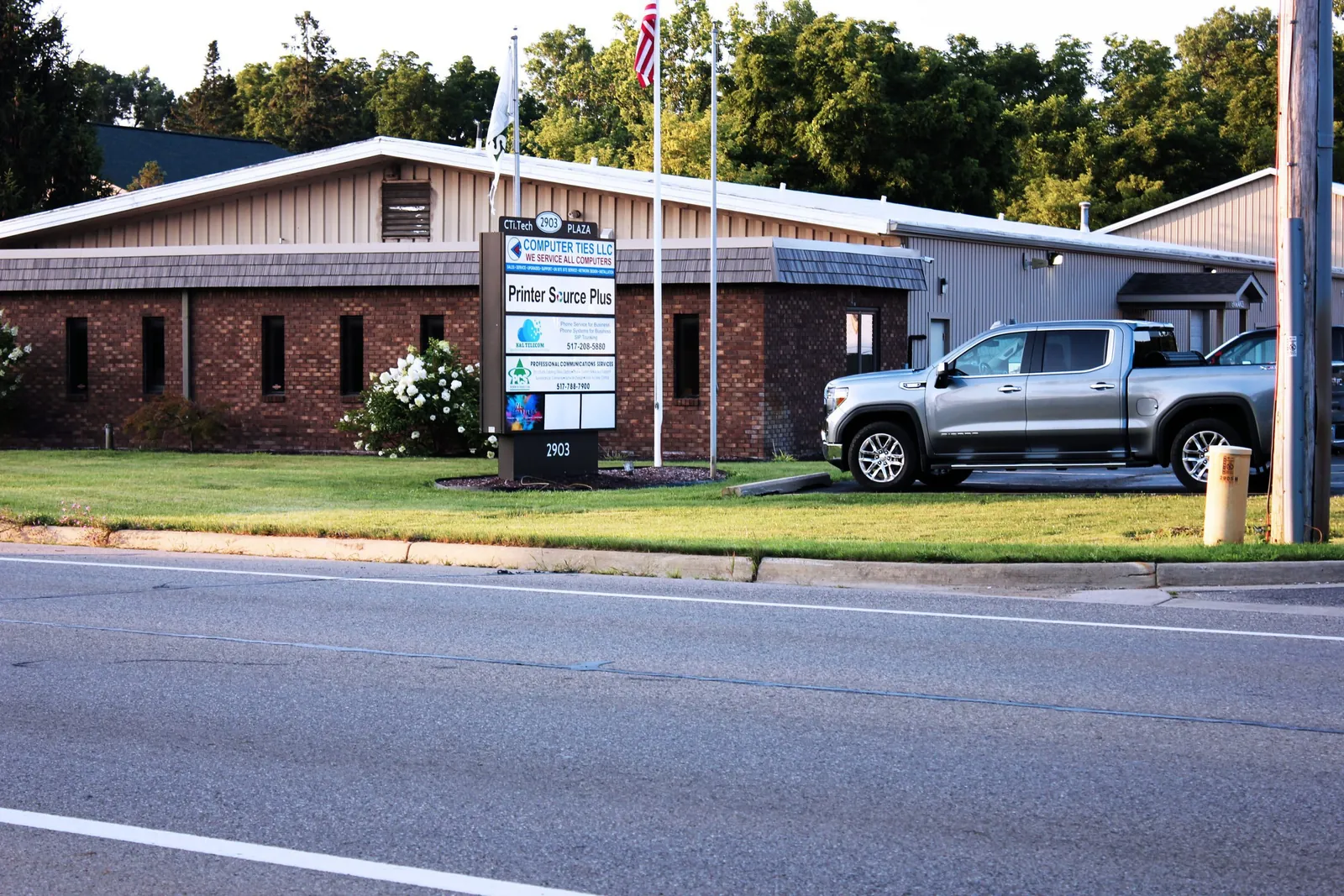
Cybersecurity vs. Security Cameras & Access Control
Cybersecurity protects digital systems, accounts, devices, networks, email, and data.
Security cameras and access-control systems address physical security needs such as video surveillance and controlling access to buildings or secured areas.
Computer Ties provides both service areas, but they solve different security problems.
Frequently Asked Questions
Computer Ties provides services including multi-factor authentication, email security, threat monitoring and response, vulnerability reduction and hardening, data protection and encryption, and security-awareness training.
The appropriate combination depends on the organization’s technology environment and risk.
No.
Endpoint protection is one part of cybersecurity, but organizations also need to consider account security, email, updates, remote access, backups, administrative permissions, user awareness, monitoring, and data protection.
Yes.
Computer Ties can help organizations plan and implement MFA for supported accounts and services where additional authentication is appropriate.
Yes.
Computer Ties can help improve email security, account protection, user awareness, and related safeguards designed to help reduce exposure to phishing and other email-based threats.
Yes.
Small and midsize businesses often rely on the same types of email, cloud services, devices, remote access, and business systems as larger organizations but may have fewer internal resources available to manage security.
Computer Ties can help establish practical safeguards appropriate for the organization’s environment.
Yes.
Computer Ties has experience supporting Michigan government and public-safety technology environments where security, controlled access, documentation, and CJIS or LEIN requirements may influence how IT systems are managed and supported.
No.
Cybersecurity focuses on digital systems, accounts, networks, users, and data.
Security cameras and access control focus primarily on physical security.
Start by identifying the concerns that prompted the review and the technology your organization relies on most.
Computer Ties can help identify practical gaps, prioritize improvements, and determine whether the need fits a specific cybersecurity service or should be addressed as part of a broader Managed IT relationship.

Build a Stronger Cybersecurity Baseline
If your organization relies on email, Microsoft 365, remote access, business applications, workstations, servers, or shared data, cybersecurity should be part of the technology plan.
Computer Ties can help identify practical security gaps, prioritize improvements, and build a more secure and supportable environment.