
When On-Site IT Support Is the Right Fit
On-site service makes sense when the work involves physical equipment or conditions that a remote technician cannot properly inspect or change.
Computer Ties can provide scheduled hands-on assistance for needs such as:
Workstation setup and troubleshooting
New computer installation
Printer and scanner connectivity
Network equipment troubleshooting
Wi-Fi troubleshooting
Peripheral installation
Equipment moves
Multi-user technology problems
Office technology changes
Hands-on troubleshooting identified by the Help Desk
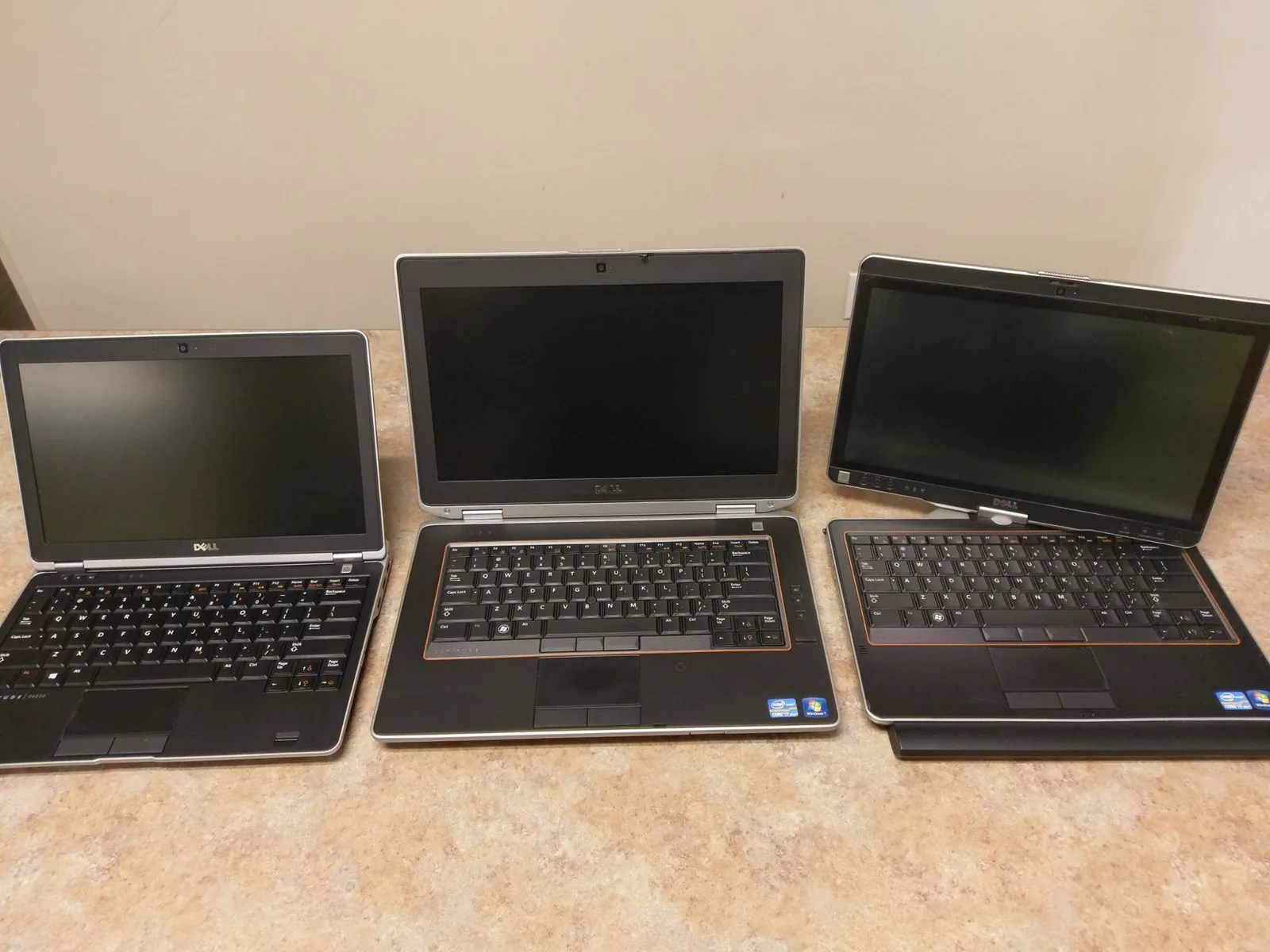
What Happens During an On-Site Visit
An on-site visit begins with the problem, project, or work that needs to be completed.
The technician reviews the affected equipment and environment, confirms the issue when possible, and performs the applicable troubleshooting or installation work.
Not every visit ends with an immediate repair. Hands-on inspection may identify the need for replacement equipment, additional parts, cabling, electrical work, vendor coordination, or a larger technology project.
When additional work is required, Computer Ties can document the findings and help determine the appropriate next step.
On-Site Support vs. Remote Support
Remote and on-site support serve different purposes.
Remote support is often the better first step for software issues, account problems, Microsoft 365 questions, email issues, user support, and many workstation configuration problems.
On-site support is more appropriate when the technician needs physical access to computers, network equipment, printers, workstation areas, cables, peripherals, or equipment being installed or replaced.
Existing Computer Ties customers with technical issues should generally begin with Help Desk Support. The Help Desk can determine whether remote assistance is sufficient or whether on-site work should be scheduled.
On-Site Support for Technology Changes
Hands-on assistance is also useful when an organization is making planned changes rather than responding to a single technical problem.
New Workstations
Computer Ties can assist with physically installing prepared workstations, monitors, docks, peripherals, printers, and other user equipment.
Device configuration can be coordinated through Device Setup & Deployment.
Office Moves & Rearrangements
Moving employees or changing a workspace can affect workstation connections, printers, network access, peripherals, and other technology.
Computer Ties can assist with the IT portion of those changes and identify when additional trades or providers are required.
Infrastructure Projects
Some network, security, equipment, and facility technology projects require an on-site review before the final scope can be determined.
Computer Ties can evaluate the IT requirements and help determine the appropriate next step.
When Other Contractors Are Needed
Some problems that initially appear to be IT issues involve structured cabling, electrical work, telecommunications, physical printer equipment, or other specialized services.
Computer Ties does not try to turn every on-site request into work that belongs with another trade.
When appropriate, we can help identify whether a different CTi Tech Plaza partner is the better fit.
Frequently Asked Questions
Yes.
Computer Ties provides scheduled on-site technology support for businesses and organizations when work requires hands-on access to equipment or the customer location.
On-site support is appropriate when physical equipment, connectivity, installation work, printers, peripherals, network hardware, or conditions at the location need to be inspected directly.
Existing customers can begin with the Help Desk if they are unsure.
Yes.
Computer Ties can assist with workstation installation and physical setup.
Preparation of accounts, software, and other configuration can also be handled through Device Setup & Deployment.
Yes, when the issue involves workstation connectivity, networking, configuration, or other IT-related causes.
Problems involving the printer or copier hardware itself may be better suited to a dedicated printer-service provider.
Yes.
Computer Ties can assist with the technology portion of office changes and help identify dependencies involving networks, devices, cabling, electrical service, telecommunications, or other systems.

Need Hands-On Technology Support?
If your organization has a technology issue or project that requires physical access to equipment, on-site troubleshooting, device installation, network review, or other hands-on work, Computer Ties can help determine the appropriate service path.